
Recent iPhones use USB-C, the same connector found on many laptops, tablets, and Android phones. That means one charger can potentially power several devices. But not all chargers and cables are equal. This guide explains how to pick a safe, fast, and flexible setup.
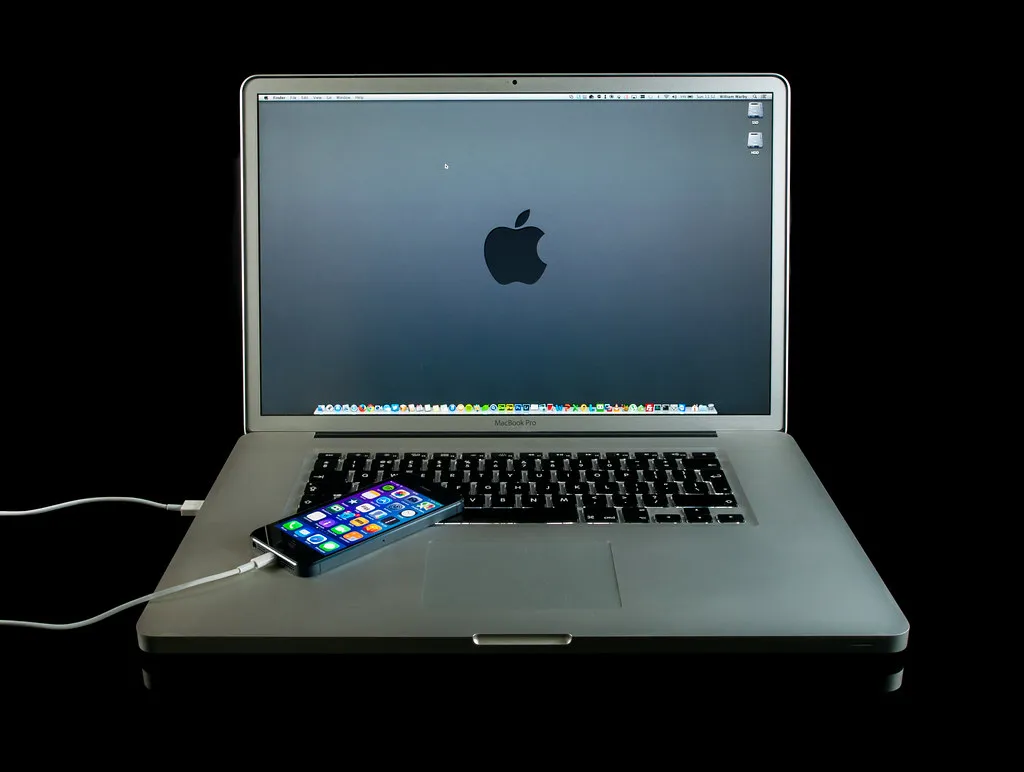
Use certified chargers and cables. If a battery is swollen, hot, or damaged, stop using it and contact the maker or a repair provider.
The basics
The connector is the physical plug. The charging protocol determines how fast power flows. Most modern fast chargers use USB Power Delivery (USB PD), which negotiates the right voltage and current with your device. An iPhone with USB-C supports USB PD, which allows fast charging with a compatible adapter.
How many watts do you need?
Apple lists the adapter wattage recommended for each iPhone, and the answer varies by model. A common suggestion for fast charging is an adapter of around 20 watts or more. Larger chargers can power an iPhone too, since the phone only draws what it needs. A higher wattage is useful if you want to charge a laptop or tablet from the same charger. Check Apple’s support pages for your phone.
GaN chargers
Gallium nitride (GaN) chargers are smaller and run cooler than older silicon designs for the same power. A compact GaN charger can fast-charge a phone and power a laptop or tablet from one wall socket. They are a good choice for travel.
Multi-port chargers
Many chargers offer two or more ports. Pay attention to how power is split. A charger might provide 65 watts on one port but less when multiple devices are connected. The product page should list the combined output and per-port details.
Cables matter
- USB-C to USB-C: for iPhones with USB-C, this is the standard cable. Make sure it supports the power level you need.
- Wattage rating: a cable rated for 60 watts is fine for an iPhone. If you will use it with a laptop, a 100-watt-rated cable may be needed.
- Data speeds: USB-C cables vary. Some support only USB 2.0 speeds, even if they charge fast. If you transfer large files, check the data speed.
- Length and durability: braided cables hold up well. Do not buy so long a cable that the voltage drop slows charging.
- Certification: look for cables from reputable makers with proper certification.
Lightning phones
Older iPhones use Lightning. If you have one, you need a USB-C to Lightning cable for fast charging from a USB-C adapter. MFi certification, short for “Made for iPhone,” indicates a Lightning accessory that meets Apple’s licensing standards.
Safety and quality
Cheap, uncertified chargers and cables can overheat, fail, or damage devices. Buy from trusted brands and sellers. Look for safety certifications such as UL or equivalent regional marks. If a charger or cable gets unusually hot, smells, is damaged, or sparks, stop using it. See iPhone battery health tips.
Travel considerations
If you travel internationally, a charger with a wide input range, usually 100 to 240 volts, works worldwide with a plug adapter. Check the label on the charger.
Wireless alternatives
If you prefer a pad on your desk, see MagSafe and Qi2 wireless charging. A wireless charger still needs a USB-C power adapter.
Chargers for car and portable use
A car charger with a USB-C PD port can fast-charge your phone on the road. A magnetic power bank can top up on the go. See power banks for iPhone.
What to skip
- No-name, ultra-cheap chargers.
- Cables with no brand or certification.
- Chargers that do not list their power output.
- Overly long, thin cables.
The takeaway
A compact USB PD GaN charger and a good USB-C cable cover most needs. Check Apple’s guidance for your model. Our researched top-10 list lists chargers and other accessories with links to official pages.