
Wireless charging used to mean placing your phone on a pad and hoping it lined up. MagSafe and Qi2 changed that by adding magnets that snap the phone into the right spot. If you are shopping for a charger, the names can be confusing. This guide explains what each is and how to pick one that works with your iPhone.
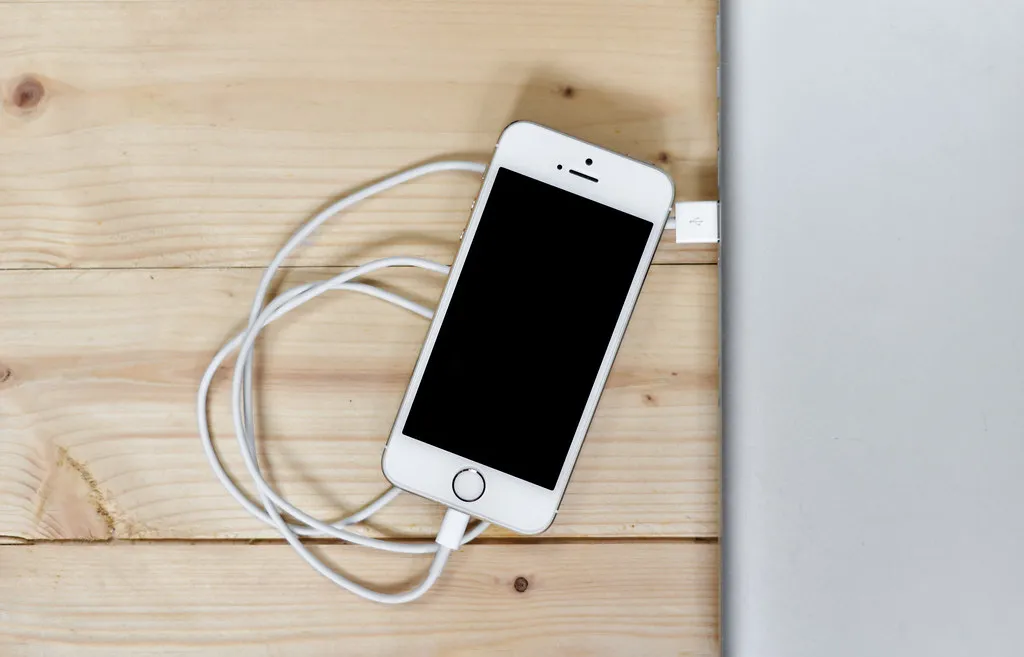
Use certified chargers and cables. If a battery is swollen, hot, or damaged, stop using it and contact the maker or a repair provider.
Qi: the foundation
Qi (pronounced “chee”) is the wireless charging standard used by many phones and accessories. A Qi charger creates a magnetic field, and a coil in your phone picks up energy. Qi works through thin cases, but it depends on the phone and charger being aligned. If they are off, charging can be slow or stop.
MagSafe: Apple’s magnetic system
MagSafe, introduced by Apple with the iPhone 12, adds a ring of magnets in the phone and in compatible chargers and accessories. The magnets align the coils and hold the phone in place. Apple’s MagSafe chargers support up to 15 watts on supported iPhones. MagSafe also supports accessories like wallets and mounts.
Qi2: the open magnetic standard
Qi2 is a newer version of the Qi standard from the Wireless Power Consortium. It adopts a magnetic alignment system based on Apple’s, so that chargers from many brands can snap onto iPhones the same way MagSafe does. Qi2 products typically support up to 15 watts. Some makers advertise a Qi2.2 variant with higher power, up to 25 watts, on compatible phones. Check the product page and your iPhone’s support for the details.
If you want a magnetic charger for a recent iPhone, look for one labeled “MagSafe” or “Qi2.” A Qi2 or MagSafe charger should work with the iPhone models that support those standards.
What speeds to expect
Wireless charging is generally slower and less efficient than a good wired charger. Actual speed depends on the phone, the charger, the power adapter you use, and heat. A magnetic charger needs a power adapter that supplies enough watts. Check the maker’s recommendation for an adapter. See USB-C chargers and cables.
Cases and magnets
A MagSafe-compatible case includes magnets and keeps the connection strong. Thick cases without magnets weaken the hold. Metal plates, thick wallets, and some rugged cases can block or heat the charge. See how to choose an iPhone case.
Types of magnetic chargers
- Pad or puck: a small disk with a cable. Portable and simple.
- Stand: holds the phone upright for video calls and nightstand use. Some stands allow landscape viewing.
- 2-in-1 and 3-in-1 stations: charge a phone plus earbuds or a watch.
- Magnetic power banks: a battery pack that snaps to the back of the phone. See power banks for iPhone.
- Car mounts: magnetic mounts with charging for the dash or vent. See iPhone car mount and desk setup.
What to look for
- Standard: MagSafe or Qi2 labeling.
- Power: wattage and whether the charger includes an adapter.
- Cable: length and whether it is detachable.
- Build: stable base and grippy surface.
- Heat management: quality designs reduce heat.
- Safety certification: look for the proper certification.
Heat and battery life
Wireless charging produces heat, and heat is bad for batteries. Avoid charging in a hot place or under a pillow. See iPhone battery health tips.
Wired is still fine
If you want the fastest charge, a wired USB-C connection is generally quicker. Wireless is convenient for desk and bedside use.
The takeaway
Choose a MagSafe or Qi2 charger for a snap-on fit, pair it with the right adapter, and use a compatible case. Our researched top-10 list collects options with links to official pages.