
All rechargeable batteries age, and the lithium-ion battery in your iPhone is no exception. Over hundreds of charge cycles, it holds a little less charge. You cannot stop this, but you can slow it down with a few habits. This guide covers the tips that Apple and battery makers commonly recommend, and the tools built into iOS for checking on your battery.
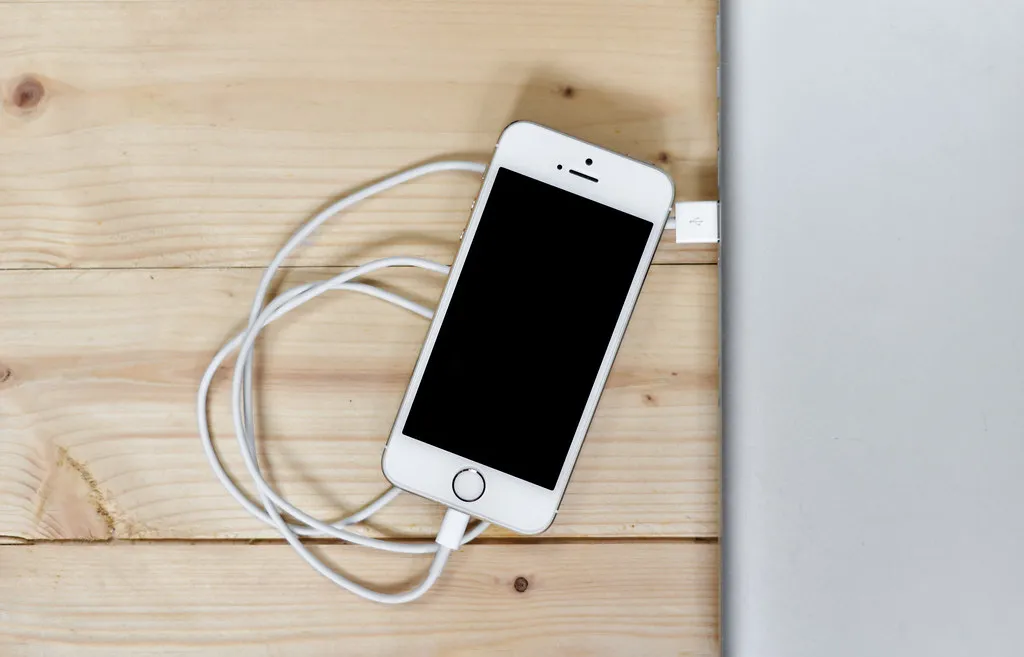
Use certified chargers and cables. If a battery is swollen, hot, or damaged, stop using it and contact the maker or a repair provider.
How batteries age
A lithium-ion battery loses capacity as it is used, and faster when it is hot, very cold, or often kept at a very high or very low charge. Apple describes a battery’s “chemical age” as depending on the number of charge cycles and on usage conditions. A full cycle means using an amount of battery equal to 100 percent, which may be spread over several days, not necessarily one full charge.
Check your battery health
On recent versions of iOS, open Settings, then Battery, then Battery Health. You will see a maximum capacity figure compared with when the phone was new. Apple’s own guidance is that a battery is considered consumed when it retains less than a stated share of its original capacity after a stated number of cycles, which varies by model. See Apple’s battery page for the details for your phone. If your capacity drops a lot or the phone shuts off unexpectedly, a battery service may be worthwhile.
Avoid extreme heat
Heat is the biggest enemy of battery health. Apple advises using iPhones in ambient temperatures between 0 and 35 degrees Celsius (32 to 95 degrees Fahrenheit). Do not leave your phone in a hot car, in direct sun, or on a dashboard. If your phone gets warm while charging, take off a thick case, especially with wireless charging. Heavy tasks like gaming and video recording while charging add more heat.
Do not worry about overnight charging
iPhones manage charging, and they stop at full charge. Features like Optimized Battery Charging, found in Battery settings, learn your routine and hold the charge at 80 percent until you need it. Some newer models also let you choose a charge limit. If your iPhone offers these options, they can help reduce time spent at 100 percent.
Top off, do not drain
Lithium-ion batteries are generally happier with partial charges than with going down to zero every time. You do not need to be strict. Plugging in during the day is fine, and there is no need to run the battery down to empty on purpose.
Use good chargers and cables
Use a charger and cable that are certified, such as Apple’s own or accessories that carry the proper certification. Cheap, uncertified chargers can be unreliable or unsafe. See USB-C chargers and cables.
Software and settings that help
- Update iOS. Updates often include battery and power management improvements.
- Low Power Mode. It reduces background activity when your battery is low, and you can also turn it on any time.
- Lower screen brightness or use auto-brightness.
- Limit background app refresh for apps you do not need updating.
- Turn off location services for apps that do not need them.
- Use Wi-Fi when possible, since weak cellular signals use more power.
Battery drain troubleshooting
If your battery drains fast, check Settings > Battery to see which apps are using power. Restart the phone, update apps, and look for apps that run constantly. If problems persist, check with Apple or an authorized service provider.
Carry a backup instead of draining your phone
If you are out all day, a magnetic power bank can give you a top-up without stressing the phone’s battery. See power banks for iPhone.
Safety first
If your iPhone battery swells, gets very hot, smells, or leaks, stop using it and contact Apple or an authorized provider. Do not puncture or charge a damaged battery. Use only trusted repair services.
When to replace the battery
If Battery Health shows significantly reduced capacity, or the phone shuts down unexpectedly or runs slowly because of battery condition, consider a battery replacement through Apple or an authorized provider. It often costs less than a new phone.
The takeaway
Keep it cool, use Optimized Battery Charging, use quality chargers, and do not stress over small things. Read more at Apple’s battery page, and see our researched top-10 list for charging gear.